Fix the dates, time and location of your Snapchat Memories export
This free tool puts the real date, local time and GPS location back into the photos and videos of your Snapchat My Data export, so your gallery sorts every memory by the day it was taken. It runs in your browser and uploads nothing: you add the ZIP files and get fixed copies back.
Works offline after this page finishes loading
Drop your Snapchat export ZIP files here
Add every part: mydata~…zip, mydata~…-2.zip and so on. The files stay on this device.
The sample is 12 made-up memories in two ZIP parts, built in your browser.
Counts every network request this page and its processing worker make after you add files, except the visit counter's. The page's security policy blocks every other outgoing connection from the page.
- Runs in your browser and uploads nothing
- Writes local time with the right UTC offset
- Free, with no file limit and no account
What changes in one photo
Here is a made-up example. You downloaded your export on 18 October 2026, and one photo inside it is called 2019-03-05_6f1c2a9e-main.jpg. Its entry in the memories list reads "Date": "2019-03-05 09:24:50 UTC" and "Location": "Latitude, Longitude: 41.0082, 28.9784", a spot in Istanbul. The photo file itself holds no capture date, so your gallery puts it on the download day.
| Detail | Before | After |
|---|---|---|
| File name | 2019-03-05_6f1c2a9e-main.jpg | 2019/2019-03-05_12-24-50_6f1c2a9e.jpg |
| Date shown in the gallery | 18 October 2026, the download day | 5 March 2019 |
| Time | No time from the photo | 12:24:50 |
| Time zone | None | UTC+03:00 (Istanbul) |
| Location | None | 41.0082 N, 28.9784 E |
Snapchat stores times in UTC. Because this entry has a location, the fixer looks up the time zone of that place and converts the time, daylight saving time included: 09:24:50 UTC in Istanbul becomes 12:24:50 at +03:00. The local time goes into the EXIF fields DateTimeOriginal, DateTimeDigitized and DateTime, the offset into OffsetTimeOriginal, OffsetTimeDigitized and OffsetTime, and the position into the GPS fields along with a GPS date and time stamp in UTC. The pixels are not re-encoded. Only the metadata block changes.
The copy also gets a clear name and a folder for its year, and its file time inside the ZIP is set to the capture time. MP4 videos get their creation time and their location (the ©xyz atom that phones write) set, and the video stream is not re-encoded. Caption and sticker layers that Snapchat keeps in a separate -overlay.png or .webp file stay separate files next to their photo, with -overlay in the name. The fixer does not burn them into the picture. For the full walk-through of this example, read why your Snapchat Memories show the wrong date.
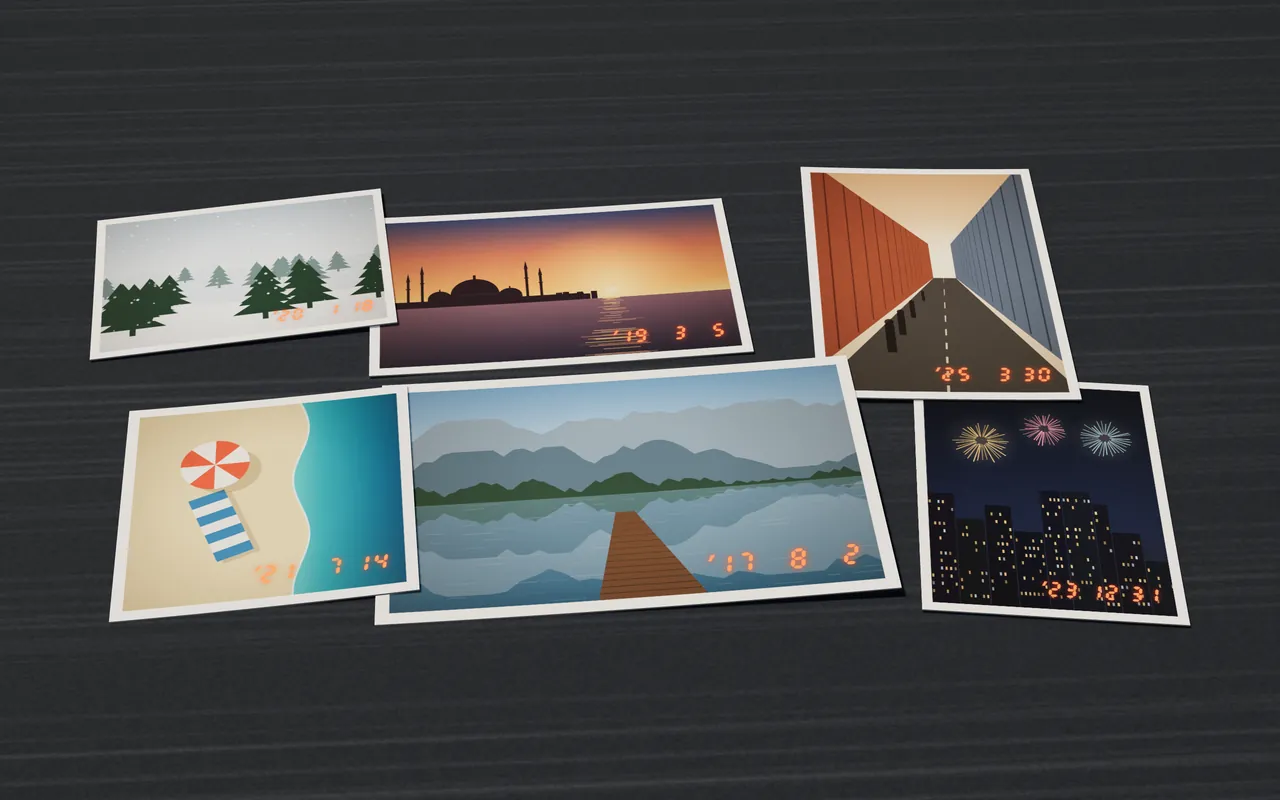
How to fix your Memories export
- Request your data from Snapchat under My Data, with Memories included. If the request page offers JSON files, switch that on too. Without it, the export has an HTML version of the memories list, and the fixer reads that as well. The full checklist is here: how to export Snapchat Memories with dates and locations.
- When the export is ready, download every ZIP part. The names look like
mydata~1739000000000.zip,mydata~1739000000000-2.zip,-3.zipand so on. Keep them zipped. - Add all the parts here at once. The fixer reads them on your device, finds the memories list in the first part and shows you the first five photos before it writes anything.
- Pick where the fixed parts should go and start. Each part is at most 300 MB, and you can choose 100 or 200 MB instead.
- Save the parts and the CSV report. Unzip each part and add the photos to Google Photos, Apple Photos or your phone's gallery, where they sort by the day they were taken.
What the report says about every file
In the current export format, the photos sit inside the ZIP files and the memories list does not name them. The fixer therefore matches each file by the time stored in its ZIP entry, which Snapchat sets to the capture time in UTC with 2-second precision, and by media type. Each file ends up with one of these statuses:
- Exact: one entry in the list fits, so the date, the time and any location come from it.
- Same 2-second window: two or more entries fit. The time is still right to within 2 seconds, and a location is written only if those entries share it.
- ZIP time only: no entry fits. The time comes from the ZIP entry and no location is written.
- Date from name: rare. Only the date in the file name could be used.
- Entry without a file: the list has a memory, but the ZIPs hold no file for it. My Eyes Only items are one example.
Nothing is skipped quietly. The CSV report lists every file and every entry, so you can see what was fixed and what your export was missing.
How you can tell nothing is uploaded
The page carries a Content-Security-Policy in its own HTML that tells your browser to block every outgoing connection from the page except one: the visit counter's report to cloudflareinsights.com. The line that does it is connect-src https://cloudflareinsights.com, and form-action 'none' stops forms from being sent anywhere. Your photos are read and written inside the browser tab, by a processing script that contains no network code.
The panel also shows a live counter, “Sent from this page”, which counts the network requests the page and that script make after you add files, not counting the visit counter's. It stays at 0. After your first visit, a service worker keeps the page cached, so it works offline: switch on airplane mode and run the whole fix. There is no account, no cookies and no ads. We count page visits with Cloudflare Web Analytics: no cookies, no personal data, and never your files.
How to check this yourself with your browser's developer tools
Which devices and browsers work
On a computer, use a current Chrome, Edge, Firefox or Safari. Chrome and Edge can write the fixed parts straight into a folder you choose. Firefox and Safari keep them in the browser's private storage instead: you save each part with its own button and can then delete the temporary copies.
On Android, use a current Chrome and save each part with its own button. On iPhone and iPad, use Safari and pick the ZIPs from Files or Downloads. If a ZIP in iCloud Drive will not open, move it to On My iPhone first. For very large exports a computer is faster.
Whatever you use, plan for free space of about the size of your export, and keep the tab open while the fixer works.
Questions people ask
Why do my Snapchat Memories show the wrong date?
Photos in a Snapchat My Data export have no capture date inside the file, so your gallery falls back to the file's own time, which is the day you downloaded the export. The real time is in the memories list and in each ZIP entry, and the fixer writes it back into every photo.
Does it work on iPhone?
Yes. Open this page in Safari on your iPhone or iPad, pick the ZIP files from Files or Downloads, and save each fixed part with its own button. Keep the tab open while it works, and for very large exports use a computer, which is faster.
What happens to my Snapchat videos?
MP4 videos get their creation time set and, when the memories list has a location, the location atom that phones write. The video stream is not re-encoded, and each video gets a date-based name like the photos.
Is it free, and is there a file limit?
Yes, the whole tool is free. There is no limit on the number of files, and you do not need an account.
What changes for Snapchat Memories in January 2027?
Snap's help page, checked 20 October 2026, says that starting in January 2027, Memories that are more than one year old and are not part of your oldest 5GB of Memories will be archived. Archived Memories still appear as thumbnails, but you need to upgrade your storage to open, edit or share them. Snap also says no Memories will be archived before January 2027 and that it will not delete your Memories because you do not upgrade.
Is Photo Date Fixer connected to Snapchat?
No. Photo Date Fixer is not affiliated with Snap Inc. It never connects to Snapchat, never asks for your login and never uses the download links in your export. Snapchat is a trademark of Snap Inc.
More guides
- Why your Snapchat Memories show the wrong dateWhere the real time of each memory sits, and how it gets back into the photo.
- How to export Snapchat Memories with dates and locationsRequest the right export, keep every ZIP part and the memories list.
- How we check that nothing is uploadedThe page’s security policy, line by line, and how to confirm it yourself.
- Privacy policyNothing leaves your device; what the browser keeps and what the host sees.
- Terms of useThe terms for using the tool, and the fonts and open-source parts in it.
Not affiliated with Snap Inc. Snapchat is a trademark of Snap Inc.